Öne çıkan

My First Blog Post

Hello ZG followers ♥ ♥ ♥ Today I am going to write about 21st century learning, 21st century teachers and student centered classes. As future teachers technology must have a big part in our lives but how much we know about it or use technology in education. Now lets have a look at 21st century learning first. There are key skills in 21st century: Critical Thinking,  Problem Solving ,  Communication , Collaboration ,  Creativity.

These skills are expected to be given every student. In this new learning era students are also expected to think and express themselves more and freely. Students shouldnt only stick to their teachers. They should be able to search and find their information by following different kinds of educational blog pages , video channels and etc. In classes they should use critical thinking such as using different perspectives of thinking , making judgements and decisions ,  evaluating different points of view , making connections between information and arguments ,  making analysis and building their opinion. These conditions actually creates student centered classes which also include and needs creativity and innovation in it. Firstly students should feel free to participate in classroom more. Students should also be able to create new ideas and use wide range of techniques and then implement these skills in classroom environment. Finally in this new era student is the major part in education.

This is the first post on my new blog. I’m just getting this new blog going, so stay tuned for more. Subscribe below to get notified when I post new updates.

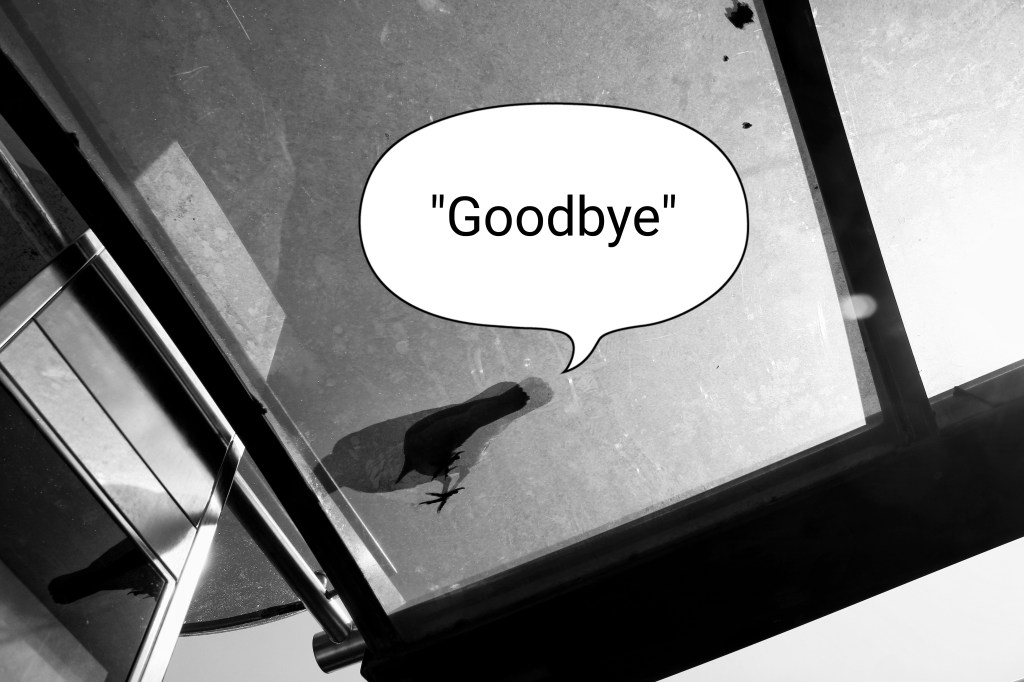
THIS IS A REAL GOODBYE

Chris Steele Perkins

Hello ZG followers, this is a real goodbye post. I want to talk about my most helpful lesson of this term Material Desing in ELT. This lesson has tought me a lot which will help me every aspect of my life this makes this lesson really helpful. This term we did a lot of projects from augmented reality supported teaching sheets to filpped clasroom videos. Some of them were hard, some of them were fun to do. Doing projects we got lots of talent in lots of different aspect. I learned using technology efficiently in education which is key factor in our era. We learned group work and sharing job with others. This lesson has prepared me to my future job very well. I am so happy to have chosen this lesson. It was a very good lesson which every teacher should take. This is my last post, it was pleasure for me to share my learning experiences with you. I advice you to work for your desire and enlarge your vision. No pain no gain. Goodbye dear followers. ❤ ❤

ALWAYS FORWARD

VOCABULARY TEACHING VIDEO

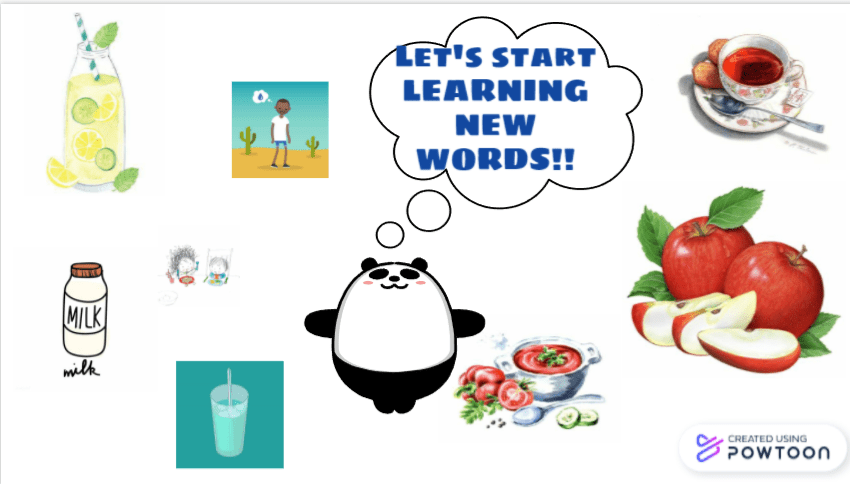
This week our homework was to create a vocabulary teaching video with our pairs for 4th grade students. Our teacher shared 4th grade student book and we chosed 10th unit with my friend. Food and Drink was the name of our unit. We tried to teach 10 words Hungry, Thirsty, Full, Tea, Soup, Lemonade, Milk, Apples, Cheese and Yummy. We used Pawtoon for this too and for extra we added questions via vizia.

You can find our video very soon because of some problems we download it soon. Below you can find my pairs blog page

http://dilarakatmer.blogspot.com/

https://www.powtoon.com/s/dyHStSwpJt2/1/m

https://www.powtoon.com/online-presentation/dyHStSwpJt2/?mode=mo

https://www.powtoon.com/embed/dyHStSwpJt2/

https://www.powtoon.com/embed/dyHStSwpJt2/&#8221; frameborder=”0″></iframe>

Flipped Classroom Exprerience in New World

TOO & ENOUGH


undefined

Hello ZG followers today I am going to talk about our last homework abouth creating online grammar teaching videos. As you know we are all in quarantine and far away from each other. This homework is completely suitable and helpful for these days. Ous homework task was to create a video with the given subjects of preparatory class. We chose the most suitable subject for us. TOO & ENOUGH. To create our video we prefered to use appliation PAWTOON which is free but limited to 3 minutes of videos. If you want to use Pawtoon you really should keep in mind this fact. There are lots of templates in Pawtoon which is good about you can use it any way you want. There is also blank pages enabling freedom in creation. We tried to tell, narrate TOO & ENOUGH in our video with my group friend Dİlara Katmer. You can also have a loo at her blogpages in where she tells her experience about creation process of narrative pawtoon video. Thank you ZG followers see you soon. Don’t forget to watch my video. Love youu. (You can see Dilara’s blogpage and video below.)

https://www.powtoon.com/c/fGU8FSzeRaa/1/m

http://dilarakatmer.blogspot.com/

https://www.powtoon.com/c/fGU8FSzeRaa/1/m

https://www.powtoon.com/embed/fGU8FSzeRaa/

AUGMENTED REALITY

https://drive.google.com/open?id=1MHfYPcmSgMvecN48vzW4WTJyaf-6TewV

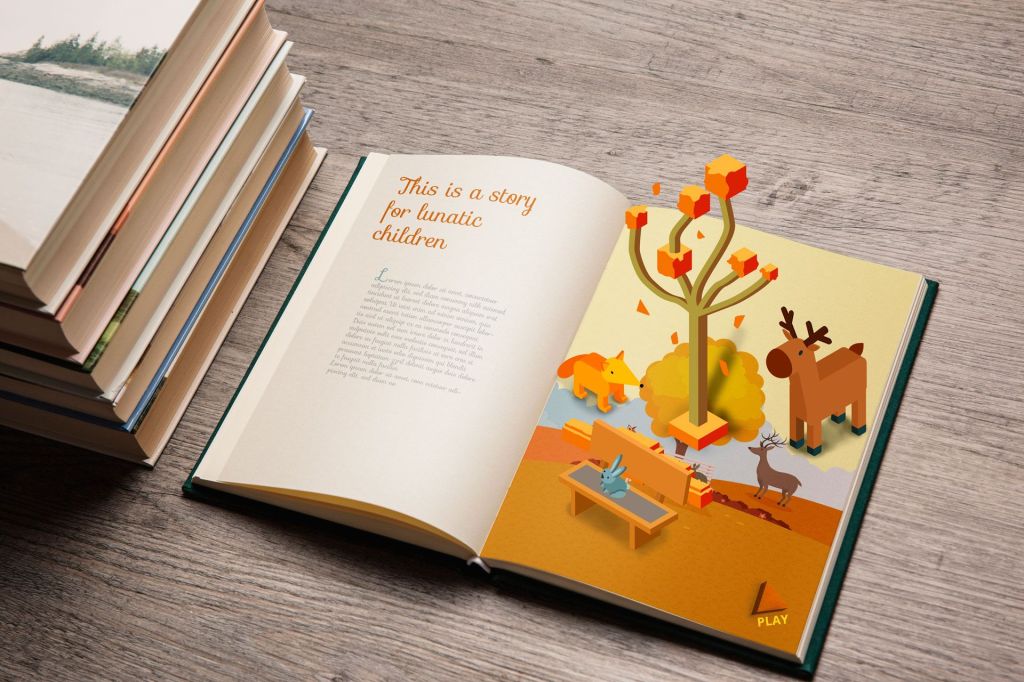
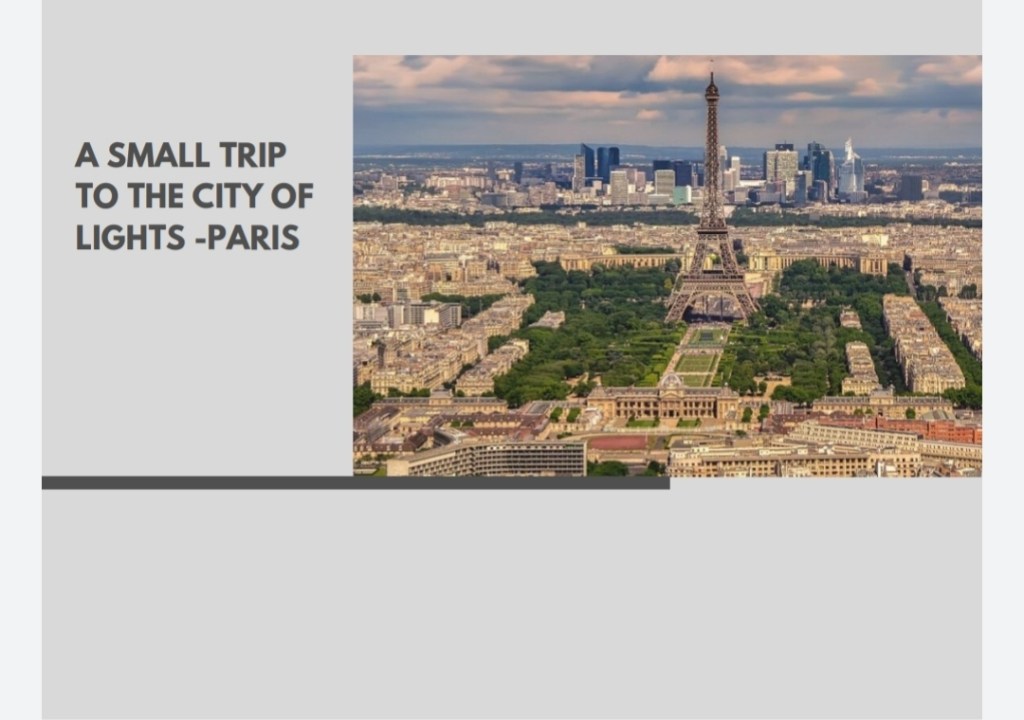
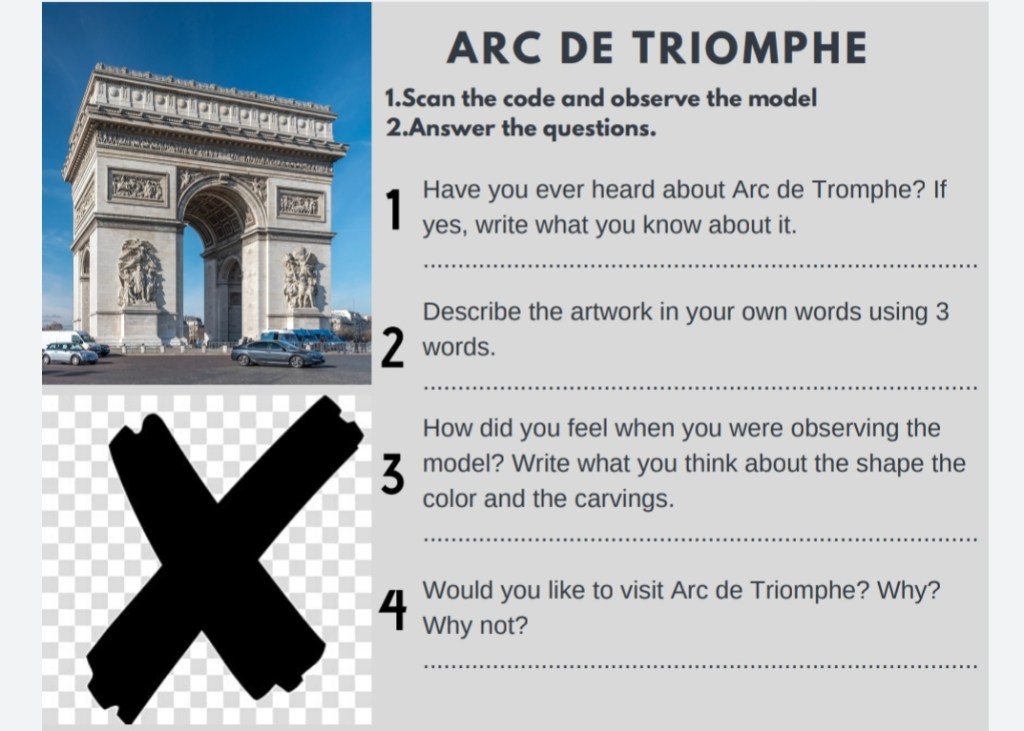
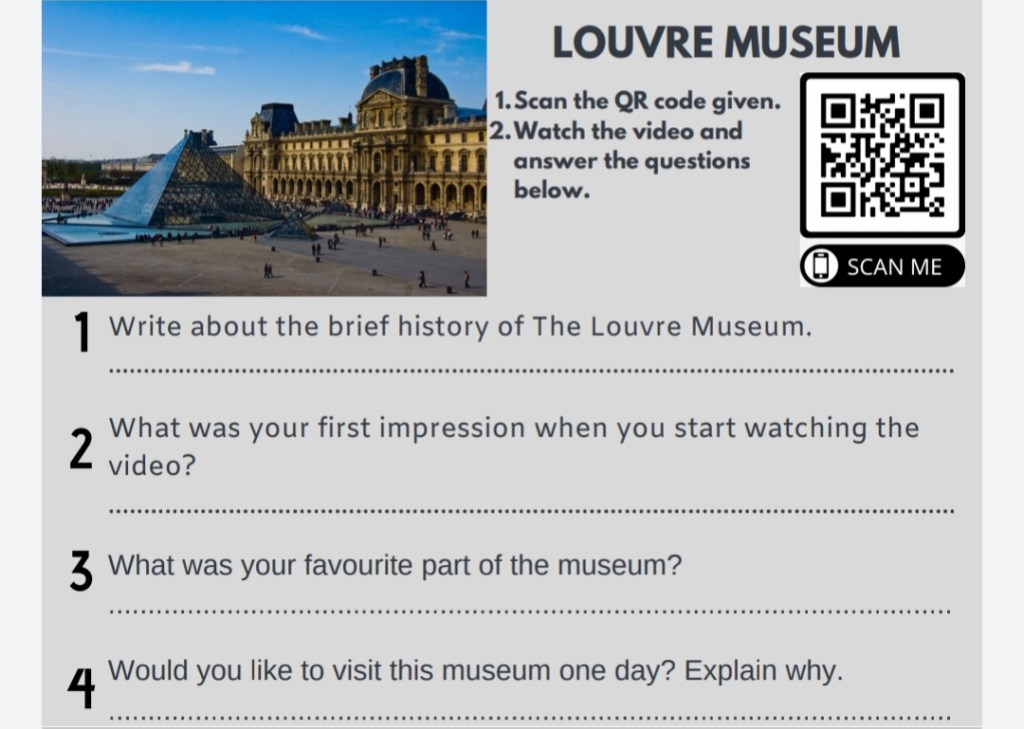
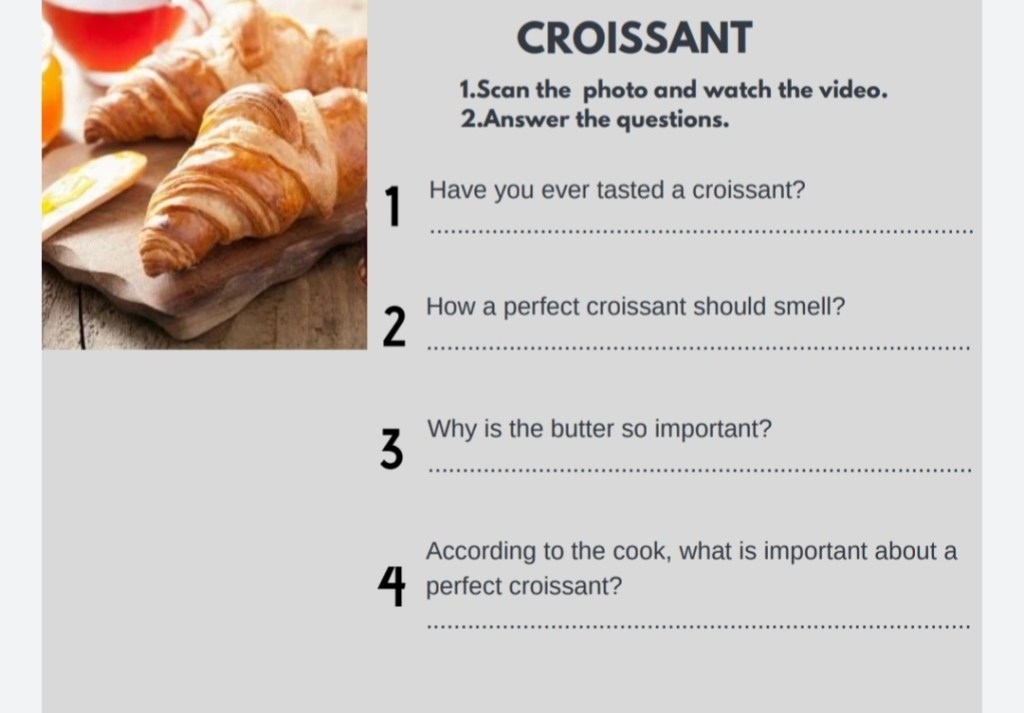
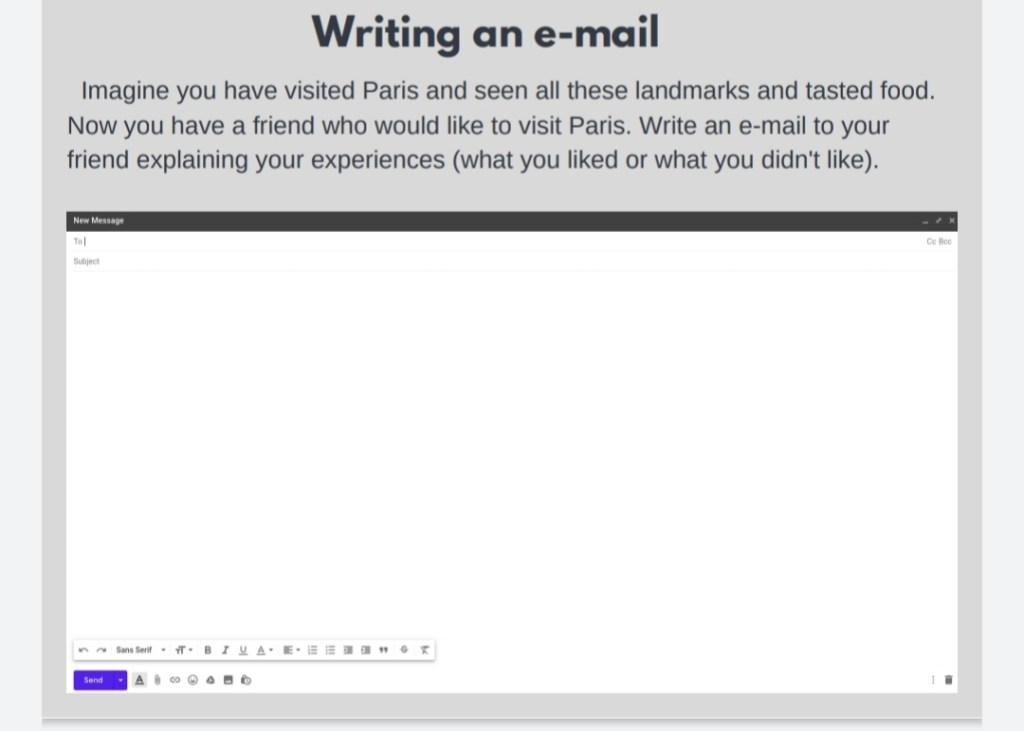
Hello ZG followers… Today I am going to talk about our AUGMENTAD REALITY based task. We made groups of 3 and prepared material for students using Augmentad Reality with app ARize. My group friends were Adile Kınay and Dilara Katmer. We prepared handout which is about trip to Paris consisting of 2 landmarks, one museum, one local dish and one place to write e-mail. To be able to make student feel like a in a real trip we took advantages of augmented reality with tools like 360 degree videos and other explaining videos about the places. Actually, we were far away from each other as group members, and it was hard to cooperate in a efficient way. During creating augmentad reality images we had tough times too… As there is no other efficient application to create images we used ARize but it is also not an practical application.

You can find examples from our handout and one explanatory video link above. These are my group members blog links:

http://adilekinay.blogspot.com/

http://dilarakatmer.blogspot.com/

Come Back Post

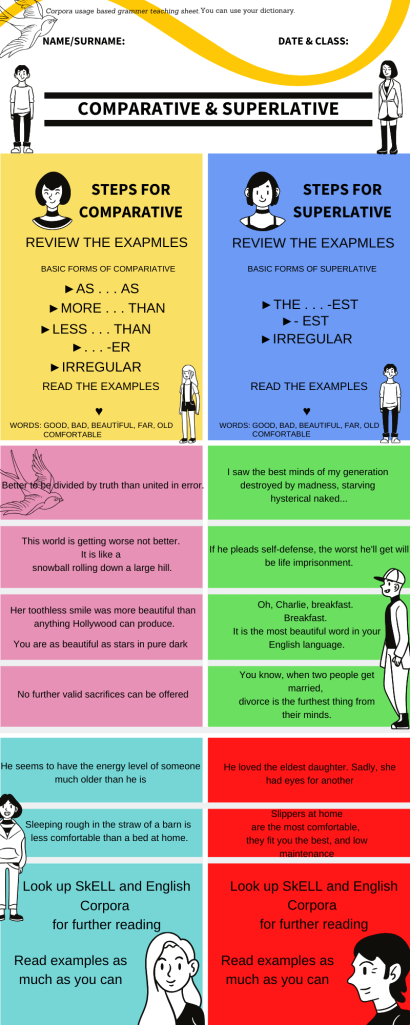
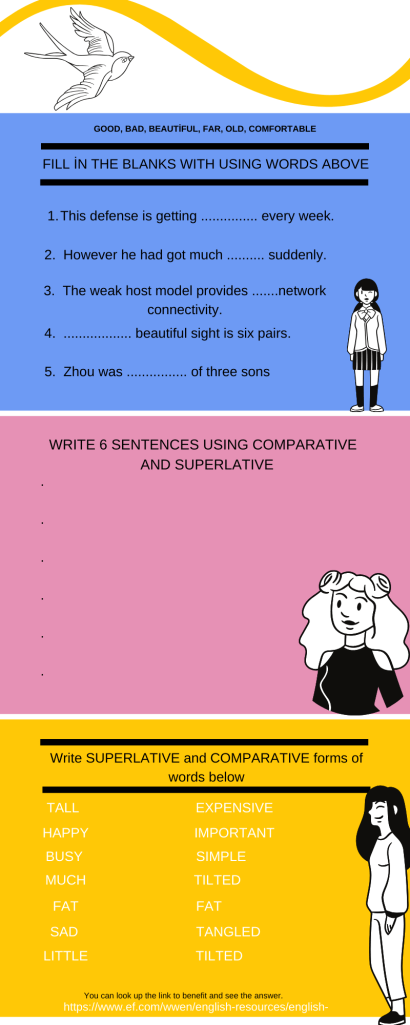
Hello everybody, I’m back because this term I take Material Design Course and I will need my blog to share materials and activites with you. Is there anyone know “Corpus”? Don’t worry. You will learn. Corpus is a huge database that you can find authentic sources in different topics. You can visit the link below and have a look at it. I’m sure you will like it.
This week, I create a worksheet for you. My topic is corpora usage in English teaching with an inductive way which enables students to learn permanently . I used Canva application to create my infograph. I try my best. See you soon.

https://www.english-corpora.org/

Farewell

Hello ZG followers ❤️ ❤️ Today I am going to write my final post about my entire semester and works as we come to the end of the term. Actually this is my last time writing a post to my educational blog page. During this term we have learned and achieved lots of different thing in education teaching area which will enable us to efficiently express ourselves in our future life works specially as a teacher and in social life. This term firstly we learned what is 21st century teaching, education, how should it be? and how should classes be constructed ? then we started our task according to the 21st century teaching philosophy including technology in terms of teaching English language. Then we first time open our blog page which is a new learning panel. In blogs during the whole semester we shared our works on different apps. We achieved doing lots of things we created our podcasts and learned what is podcasting and place of it in our lives. We learned lots of apps to create new learning environments to our students. We made our digital telling story consisting of comic photos that we created with app Pixton. There is also WikiPages that we learned the importance of it. We actually learned sources of designing and creating new things through technology. This course actually gave me the vision about teaching and using such methods and finding further ones in my future life. Thanks to this course I understand the importance of teaching with technology in our era. In this term I loved creating Digital story telling and creating my magazine paper and actually I wasn’t that good at at recording my podcast. I had some time management problems in this term about things I mentioned above and sometimes I had difficulties finding right app suitable to our homework. It took some time for me to learn designing my blog page. So this is my farewell post, I hope I could help you with my suggestions and subjects. Goodbye ZG followers ❤️❤️❤️.

INFOGRAPHIC CREATOR

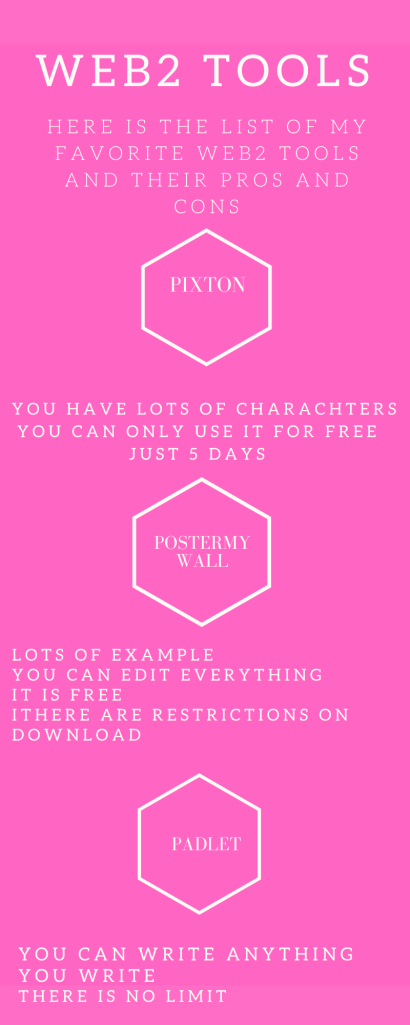
HELLO ZG FOLLOWERS ❤ ❤ Today I am going to talk about Infographic. I used Canva to create this infographic.. Infographics are charts to show information about one topic. ıt was a little bit hard for me to create. But I recommend Canva as best application to create such graphics I chose three apps named Pixton, Padlet and Postermywall because for me they are the most easy apps to create without restrictions. In Pixton you can create comics there are a lot of choice for this app but free for only 5 days. Padlet is a not page you can write padlets as much as you want, there is no limit. Postermywall is really a useful app ou can write and create anything you want and there is no restriction.

LET’S CREATE, CREATE AND CREATE AGAIN

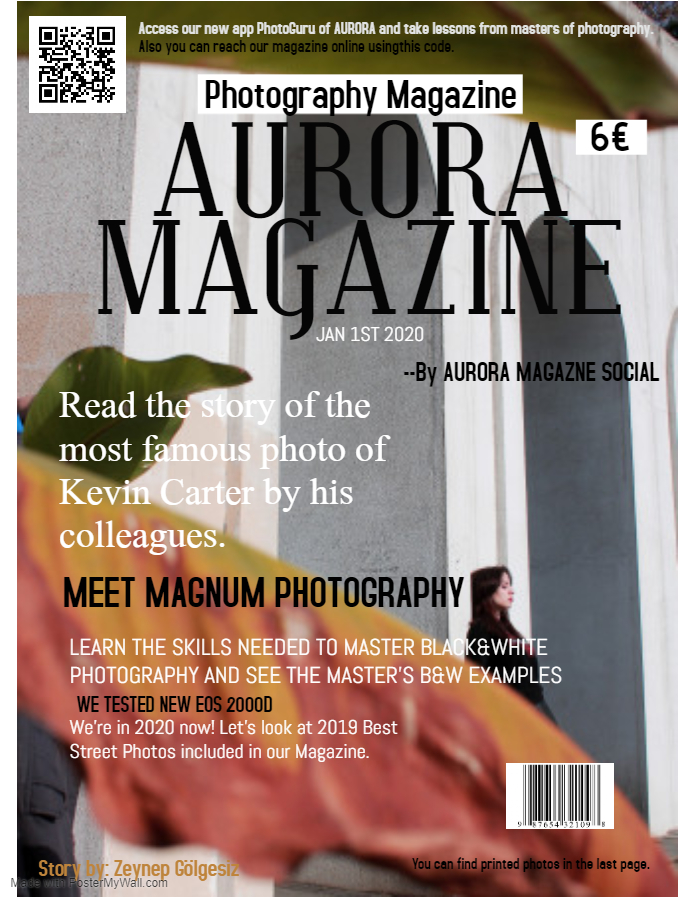
Hello ZG followers!! ❤ ❤ Today I’am going to write about my last creative project. In this project our teacher wanted us to create magazine cover and recommened some websites suitable for it. I chose PosterMyWall. It’s a very useful app which enables you to move faster and includes lots of different style that you can use in any project. Actually aim of this poject was to confront us with Web2 tools which are should be known by every person not only teachers because in our daily life we need such designs to declare important events or just for our aesthetic like. Specially as future teachers we must know such applications to keep up with technology and give our students the education which takes root from good technology useage and information.

WE ARE THE CREATORS!!!

GIPHY.COM

Hello ZG followers ❤️ ❤️ Today I am going to introduce you to our funniest homework ever. Our teacher gave us options. I and my group mates chose the digital functional story creating. We had a lot of options to create images of our story. We preferred Pixton which is pretty useful and easy to use. Pixton is actually an app which is not free but we used its free option of 5 day trial. Ali, Dilara and I chose to create a story which is suitable for teaching students English without get bored. Our story was about an alien father and daughter who visit the Earth. Daughter Tina wants to see a zebra then first they go Africa to see a zebra but they face one problem in there and manage to help it. It was very good idea to give this homework to group of students to improve the quality of homeworks and importance given them. Thanks to this homework we created our first digital story which we will use in our future teacher life. At the bottom of the page you can find our first digital story The Earth Visit.

THE EARTH VISIT

HERE IS YOUR DREAM PAGE !Padlet!

02-59-56-giphy

Hello ZG followers ❤️, Today I am going to write about our class homework on Padlet page. Last week our teacher gave us topics about important issues and as groups of 3 or 4 people we opened padlet pages. Padlet pages are walls on which you can write and add anything you want. On Padlet pages we added our knowledge or facing of bullying around us. Dilara said bullying wasn’t common in her hometown Rize and added U. S. A as the biggest country where bullying has high rate. And she also said it can lead students to commit suicide. For this part what Ali thought was like in his city bullying was very common, also he mentioned Cyber bullying and finish with the idea of bullying can cause a big trauma in children. In second part we wanted to know How many students expose to it, Is there any movie about it, what can parents and teachers can do about it, Is there any community or law to help it and what sort of things lead bullies to harm others. To find answers of these questions we searched and added what we found to our padlet. We also wrote little paragraph explaining solutions. This was our first Padlet homework. See you in the next post ZG followers ❤️ ❤️ ❤️. You can find blog links of my group friends below.

http://dilarakatmer.blogspot.com

http://aligorkemgokgol.blogspot.com

Made with Padlet
WordPress.com ile böyle bir site tasarlayın
Başlayın